
Expenses – Plan & Track: Support
Thank you for using Expenses – Plan & Track, the simple, private way to record income and expenses, plan monthly budgets, and see where your money goes.
New here? See what the app does.
Contact us
If you have a question, found a problem, or want to suggest a feature, email us and we will get back to you as soon as possible. Please include your iPhone model and iOS version so we can help you faster.
Email: ruedee.com@gmail.com
Frequently asked questions
Where is my data stored?
All of your data is stored only on your device. The app works completely offline — there is no account, no sign-in, and nothing is sent to any server.
How do I back up my data?
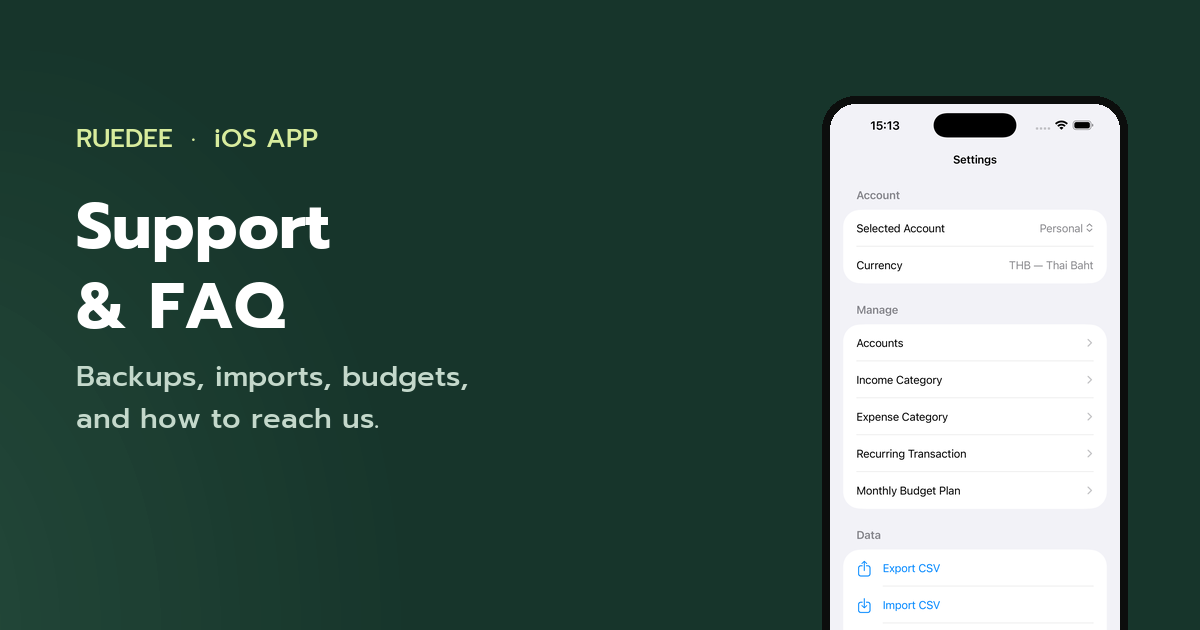
Open Settings → Export CSV to save all transactions to a CSV file. You can re-import this file at any time with Import CSV. Duplicate rows are skipped automatically.
Can I track more than one account?
Yes. Create as many accounts as you need in Settings → Accounts, each with its own currency. Switch between accounts or view all accounts together from the Account tab.
How do recurring transactions work?
Add salaries, bills, or subscriptions in Settings → Recurring Transaction. The app adds them automatically when they fall due — daily, weekly, monthly, or yearly.
How do budgets work?
Set a monthly plan in Settings → Monthly Budget Plan, overall or per category, and follow your progress on the Account and Report tabs.
Can I get a yearly report?
Yes. Settings → Export to Excel Report creates a detailed .xlsx report for any year with data.
Can I change how the charts look?
Yes. Settings → Reporting Chart switches every report between a bar chart and a line chart. The same section also controls whether times are shown, whether the detail list groups by date or by type, and whether the summary reads as a total, monthly or yearly figure.
If I delete the app, is my data deleted too?
Yes. Because everything is stored on your device, deleting the app deletes its data. Export a CSV backup first if you want to keep it.
Painaimana - Travel & Event
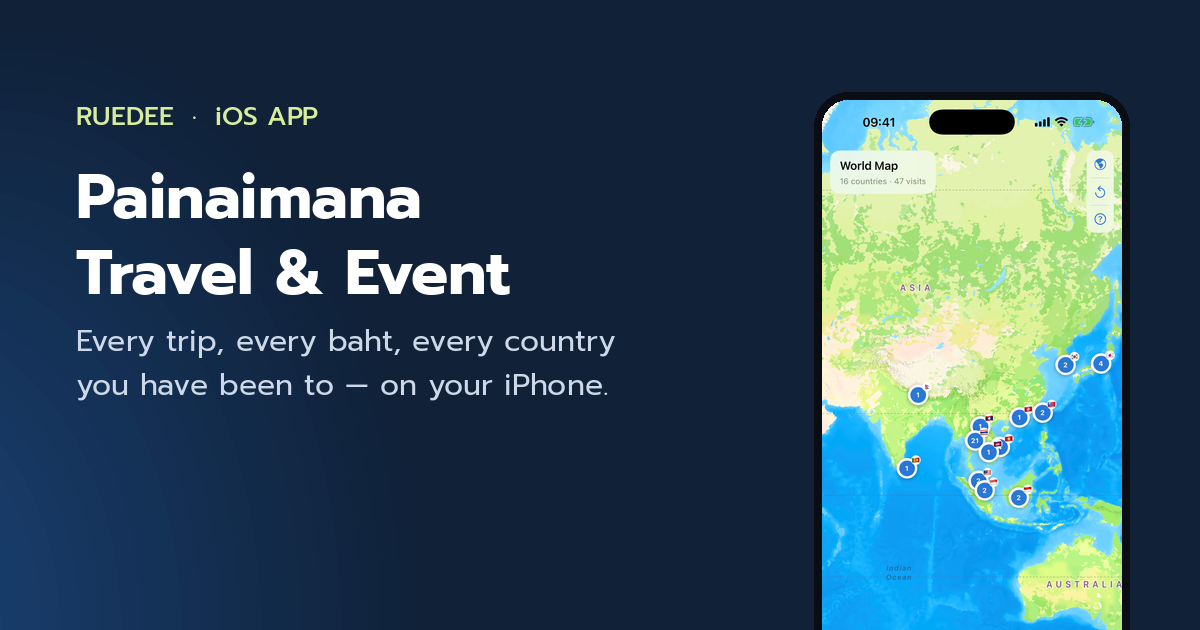
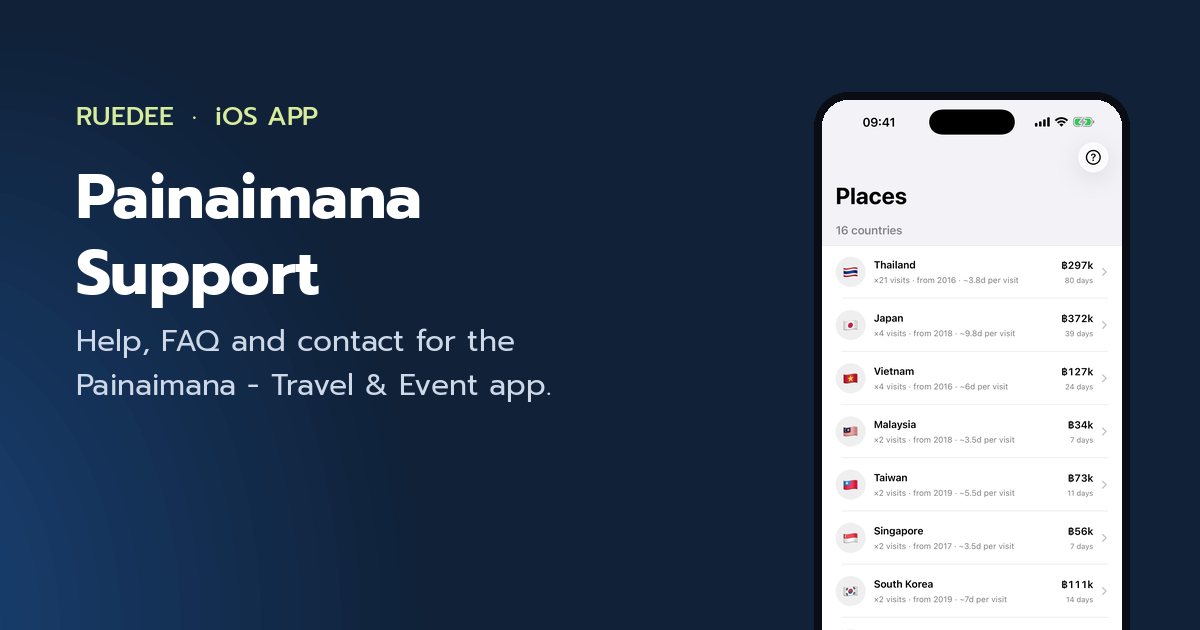
A private travel log for iPhone — trips, days, spending and a world map that counts your visits.
Painaimana - Travel & Event: Privacy Policy
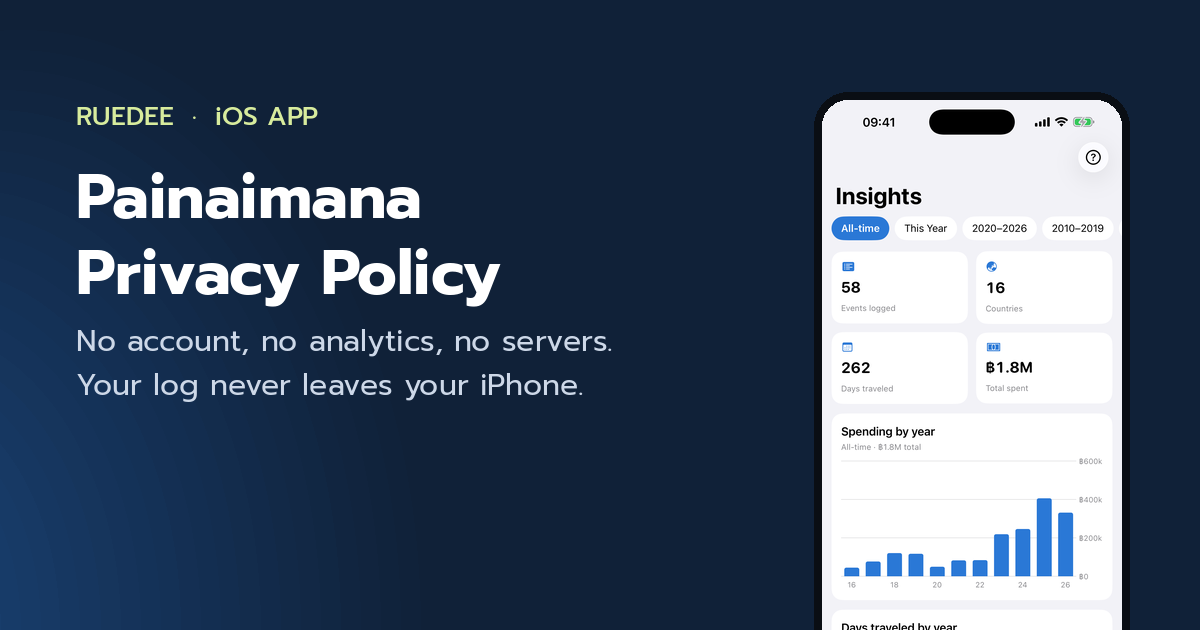
How the Painaimana - Travel & Event app handles your data: it does not collect any.